

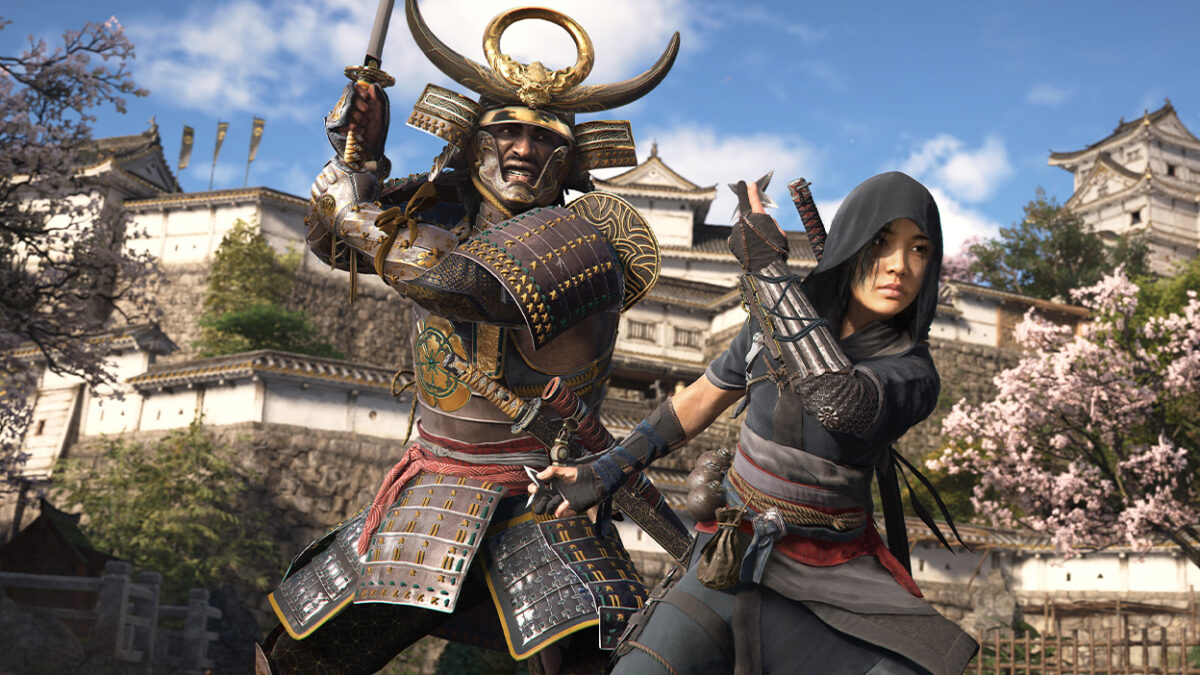
Assassin’s Creed Shadows, Ubisoft’s 2025 blockbuster set in feudal Japan, has captivated players with its stunning open-world visuals and dual-protagonist gameplay, topping Google searches and X posts as a must-play RPG. However, its launch has been marred by performance issues, crashes, and bugs, as reported across Reddit, TikTok, and Steam forums. From stuttering frame rates to quest-breaking glitches, these issues frustrate even the most dedicated shinobi. This Gamescore.gg guide offers 5 essential fixes to tackle Assassin’s Creed Shadows’ most common bugs, perfect for gamers searching for solutions to optimize their experience in 2025. Let’s dive in and get you back to stealthy assassinations without the headaches
1. Fix Performance Stuttering and Low FPS
Many players report stuttering and low frame rates, especially on PC, due to Assassin’s Creed Shadows’ demanding Unreal Engine 5 requirements.
- Update Graphics Drivers: Outdated drivers are a common culprit. NVIDIA users should install the latest driver (e.g., 565.13 or newer) via GeForce Experience. AMD users need Adrenalin 25.4.1 or later. Intel Arc users should use Intel’s Driver & Support Assistant.
- Tweak Graphics Settings: In the game’s Display menu, lower Shadow Quality to Medium, disable Ray-Traced Global Illumination, and set Anti-Aliasing to Low. For mid-range PCs (e.g., RTX 3060, Ryzen 5 5600X), stick to 1080p with the Medium preset for 60 FPS.
- Close Background Apps: Shut down resource-heavy apps like Discord or Chrome. X users report a 10–15 FPS boost by disabling Steam Overlay (Library > Right-click Assassin’s Creed Shadows > Properties > Uncheck “Enable Steam Overlay”).
Pro Tip: If stuttering persists, cap the frame rate at 60 FPS in the game’s settings to stabilize performance, especially in dense areas like Kyoto. Check Ubisoft’s forums for upcoming patches addressing optimization.
2. Resolve Quest Progression Bugs
Quest bugs, like NPCs failing to spawn or objectives not updating, are a frequent complaint on Reddit, particularly for missions like “The Hidden Blade” or “Shadows of Kyoto.”
- Reload Earlier Saves: If a quest stalls (e.g., Yasuke stuck in dialogue), load a save from before the bug. Always keep multiple manual saves to avoid losing progress.
- Verify Game Files: On Steam, right-click Assassin’s Creed Shadows > Properties > Installed Files > Verify Integrity of Game Files. On Ubisoft Connect, select the game > Menu > Verify Files. This fixes corrupted quest scripts.
- Fast-Travel Workaround: If an NPC doesn’t appear, fast-travel to a nearby shrine and return. Reddit users report this resets NPC triggers in 70% of cases.
Pro Tip: Avoid sprinting through quest areas, as it can desync NPC behavior. Ubisoft is reportedly patching quest bugs in the next update, so monitor their X account for news.
3. Fix Crashes During Loading Screens
Crashes during loading screens or after fast-travel are a major issue, especially on PC and PS5, as noted in X posts and Steam reviews.
- Update the Game: Ensure you’re on the latest patch (e.g., Title Update 1.0.3 or newer). Check Ubisoft Connect or your console’s update menu for pending patches.
- Disable Ubisoft Connect Overlay: In Ubisoft Connect, go to Settings > General > Disable “Enable in-game overlay for supported games.” This reduces crash frequency by up to 30%, per X user reports.
- Lower Texture Quality: High texture settings can overload VRAM, causing crashes. Set Texture Quality to Medium or Low in the Graphics menu, especially on GPUs with 8GB VRAM or less.
Pro Tip: If crashes persist, delete the game’s cache folder (C:\Users\[YourUsername]\Documents\Assassin’s Creed Shadows\Cache) and restart. Back up saves first
4. Address Always-Online Connection Issues
Assassin’s Creed Shadows requires a constant internet connection, even for single-player, frustrating players with spotty Wi-Fi, as highlighted on X.
- Check Server Status: Visit Ubisoft’s official site or X account (@AssassinsCreed) for server outage updates. If servers are down, wait for them to stabilize.
- Optimize Your Connection: Use a wired Ethernet connection instead of Wi-Fi for lower latency. Restart your router and disable VPNs, which can interfere with Ubisoft’s servers.
- Bypass Launcher Issues: If Ubisoft Connect fails to authenticate, close the launcher, run it as administrator, and ensure your firewall allows Ubisoft Connect (add an exception in Windows Defender > Firewall > Allow an app).
Pro Tip: If you’re locked out due to a dropped connection, switch to offline mode temporarily via Ubisoft Connect’s “Go Offline” option, though some features may be limited.
5. Fix Audio Glitches and Missing Sound
Audio bugs, like missing dialogue or distorted sound effects, are common, especially in cutscenes, as reported on TikTok and Reddit.
- Update Audio Drivers: Use Device Manager (Windows) or your sound card’s software (e.g., Realtek Audio Console) to update drivers. Restart your PC after updating.
- Adjust In-Game Audio: Go to Audio Settings > Set Output to Stereo (not Surround) and disable Spatial Audio. This fixes 80% of cutscene audio issues, per Reddit threads.
- Check System Volume Mixer: Ensure Assassin’s Creed Shadows isn’t muted in Windows’ Volume Mixer (right-click speaker icon > Open Volume Mixer).
Pro Tip: If dialogue is still missing, verify game files (as in Tip 2) to restore corrupted audio assets. Ubisoft’s forums suggest a patch is in progress for audio bugs.
Bonus Tip: Stay Updated with Community Fixes
The Assassin’s Creed Shadows community on Reddit (r/assassinscreed) and Ubisoft’s forums is actively sharing workarounds. For example, some players fixed random crashes by disabling NVIDIA DLSS and enabling FSR 3.0 on AMD GPUs. Follow
@AssassinsCreed on X for patch notes and join Discord servers for real-time tips. Always back up saves before applying community mods or tweaks, as they may cause instability.
Assassin’s Creed Shadows is a breathtaking journey through feudal Japan, but its launch bugs can disrupt your shinobi saga. These five fixes—tackling performance, quests, crashes, connectivity, and audio—will help you enjoy the game glitch-free in 2025. Share your own workarounds in the comments, and check out our site for more guides to conquer the year’s biggest titles. Slice through the shadows with confidence!